

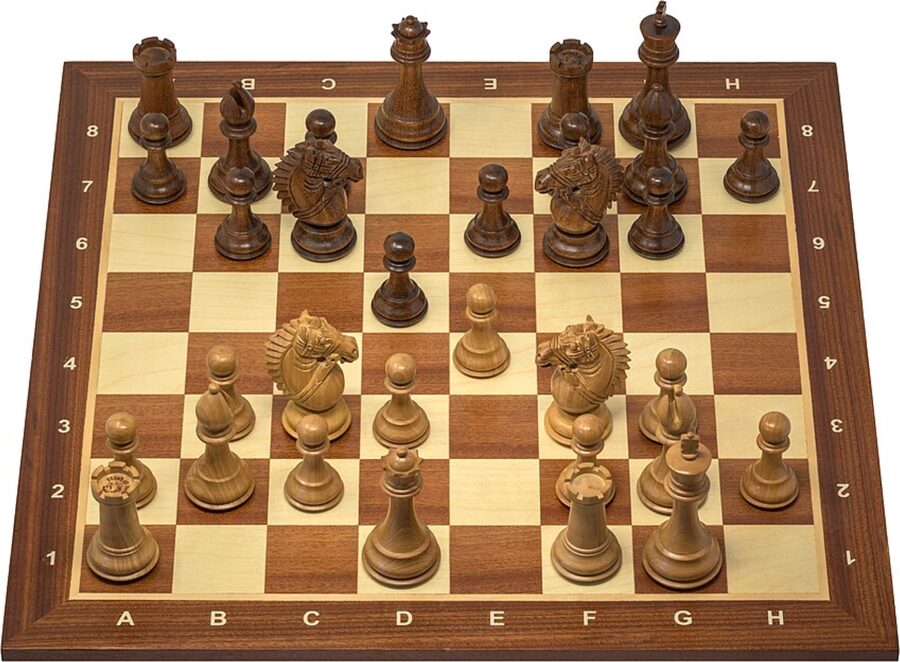

Chess image to an editable position
Paste or upload one clear screenshot, 2D diagram, or top-down board photo to get editable FEN. Angled photos and physical 3D pieces can need correction; always check the result and side to move.
Board imageStart with the image you have
Turn a board image into a position to analyse, or handwritten scoresheets into a game to replay. Check the result, then make your next move.
10 free credits on sign-up: up to 10 boards or 5 scoresheet scans. No card required.
Tap to add a board photo
Take a photo or pick from your library
Drag and drop a board image here
or click to select
Image recognition requires sign-in: 1 credit per board. New accounts receive 10 free credits.
Board on a web page? Capture it with the ScanChess extension →One image, up to 15 MB — JPG, PNG or WebP. HEIC is not supported; convert it first.
Free examples. No account or credits needed.
Rule checks do not prove a match with the original. Compare the result with your image and correct anything that differs.
Paste or upload one clear screenshot, 2D diagram, or top-down board photo to get editable FEN. Angled photos and physical 3D pieces can need correction; always check the result and side to move.
Board image
Upload the pages of one game in order. Review the moves beside the original, then export PGN. Use batch scanning for several separate games.
Handwritten scoresheetReplay, check, analyse or prepare your chess material for sharing. These tools run in your browser without an account.
Group the pages by game, add a pairing list and prepare a round for review and PGN export. Keep individual game scans and tournament work separate.
Scanning a whole tournament round? Use batch scanningExport your result to the chess tools you already use.